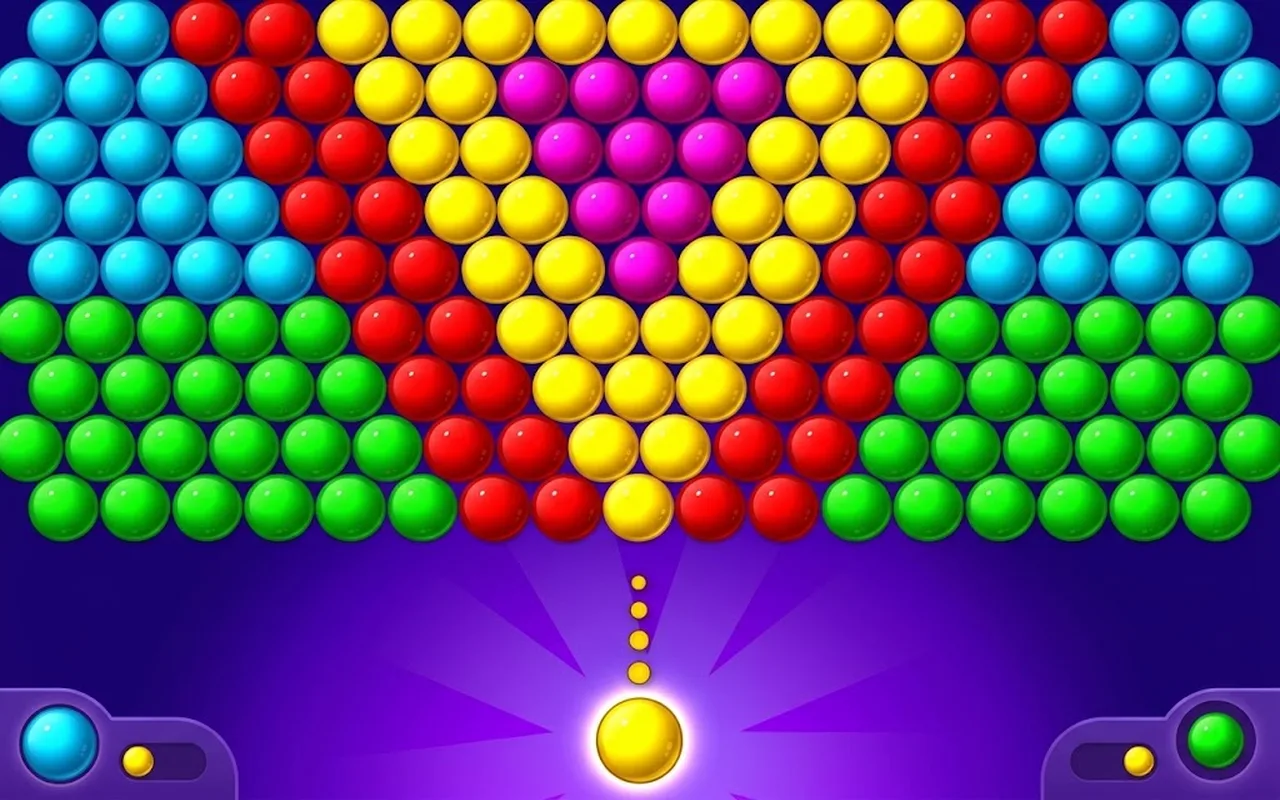
Bubble Shooter PC Download Free for Windows
Bubble Shooter PC  ·  Windows desktop app

Bubble Shooter for Windows

Classic bubble popping on your desktop. Plays offline.

Download Free for Windows
Windows 10 / 1164-bitFree  ·  Plays offline
Windows 10 / 1164-bit desktop app Plays offlineNo internet needed Not yet rated
What you get

Everything a Bubble Shooter fan needs

Classic bubble popping, no distractions.

Power-ups

Use power-ups to clear tricky boards as you work through multiple levels.

Fully offline

Works without internet. Install once and play anywhere.

Match 3+ to pop

Aim and shoot to match 3 or more bubbles of the same color.

How it works

Two steps, then you're popping

1

Download the installer

Run the installer — takes under a minute. No account needed.

2

Start popping bubbles

Open Bubble Shooter PC from the Start menu and start aiming.

Windows 10 or 1164-bit2 GB RAM50 MB disk
Before you download

Questions people ask

Is it really free?
Yes — it's free to download, and there's no account with us.
Is the download safe?
The installer is published by the company listed in the footer. When Windows shows the file details, the publisher name should match. If it doesn't, don't run it and contact us.
Why does Windows show a warning when I open it?
Windows SmartScreen can show a notice for new apps it hasn't seen many times yet. The notice shows the app's verified publisher, so you can check who published it before you decide whether to run it.
Does it work without internet?
Yes — once installed, no internet connection is needed to play.
What exactly gets installed?
One application plus a Start-menu entry. No browser extensions, no toolbars, no additional software.
How do I uninstall it?
Settings → Apps → Installed apps → Bubble Shooter PC → Uninstall. Step-by-step guide.

Start popping bubbles today

Free download · No internet needed

Download Free for Windows
Windows 10 / 1164-bitFree  ·  Plays offline